
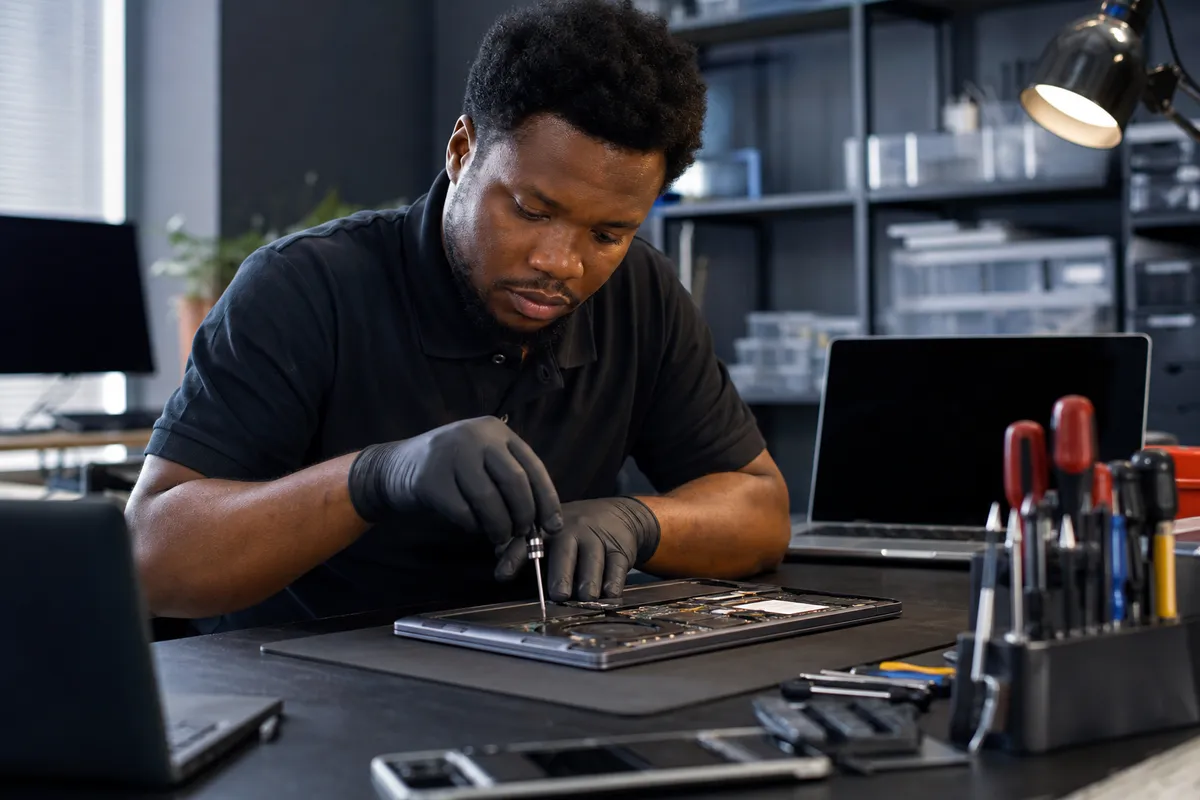
Affordable Computer Repair Near North Minneapolis: A Local Guide
Why Affordable Computer Repair Matters in North Minneapolis
In North Minneapolis, where students, families, and small businesses rely heavily on their computers, finding affordable computer repair near North Minneapolis isn't just about saving money — it's about keeping your digital life running. Whether you're a college student at the University of Minnesota or a local entrepreneur managing invoices on a tight budget, a broken laptop can feel like a crisis. But it doesn't have to be.
At Logitium, we've seen firsthand how a $1,200 laptop replacement can be avoided with a $150 component-level fix. That’s the power of choosing the right repair shop — one that understands both the technical side of electronics and the financial realities of the community.
What Makes Computer Repair Affordable in North Minneapolis?
Affordable computer repair isn't just about low prices. It's about value, transparency, and accessibility. Here’s what sets reputable local shops apart:
- Diagnostic accuracy: A proper diagnosis prevents unnecessary part replacements.
- Component-level expertise: Fixing individual parts instead of replacing entire boards saves hundreds.
- Local sourcing: Stocking commonly used parts locally reduces wait times and shipping costs.
- Honest communication: Clear quotes before any work begins protect customers from surprise bills.
When searching for affordable computer repair near North Minneapolis, prioritize shops that offer free or low-cost diagnostics and walk you through the repair process step by step.
Common Repairs That Save You Money
| Issue | Typical Cost (DIY Part) | Professional Repair Estimate |
|---|---|---|
| Laptop won’t charge | $15–$40 | $80–$150 |
| Overheating / fan noise | $10–$30 | $60–$120 |
| Cracked screen | $50–$150 | $120–$250 |
| Slow performance (HDD failure) | $30–$80 | $100–$200 |
These estimates reflect general market ranges based on typical consumer-grade components and labor rates across the Twin Cities metro area. Actual costs vary by device model and shop.
How to Find the Right Shop
Not all repair shops are created equal. Here’s a framework for choosing the best affordable computer repair near North Minneapolis:
- Check reviews: Look for Google Reviews, Yelp, or Facebook comments that mention honesty and turnaround time.
- Ask about warranties: Reputable shops back their work with at least a 30-day warranty.
- Verify certifications: Technicians certified by CompTIA, Apple, or Microsoft bring proven skills.
- Compare pricing: Call ahead and ask for a quote over the phone. If they hesitate, move on.
- Consider location: A shop within biking distance or public transit reach saves you time and hassle.
Pro tip: Avoid big-box stores for simple repairs. They often push full replacements rather than cost-effective fixes.
DIY vs. Professional Repair: When to Choose Each
While some minor issues like cleaning dust from fans or reseating RAM can be handled at home, anything involving soldered components, logic boards, or internal power circuits should be left to professionals. Attempting complex repairs without proper tools or training risks permanent damage — and may void existing warranties.
If your computer is still under manufacturer warranty, contact the brand first. Otherwise, local independent repair shops like ours in Robbinsdale are usually faster and more flexible than authorized service centers.
Understanding Component-Level Repair
One reason affordable computer repair near North Minneapolis stands out is the rise of component-level repair expertise. Instead of replacing an entire motherboard when a single capacitor fails, skilled technicians can identify and replace just that part. This approach:
- Reduces repair costs by up to 70% compared to board-level replacements
- Minimizes electronic waste
- Preserves original hardware configurations
At Logitium, our team regularly performs component-level repairs on laptops, desktops, and even gaming consoles. We invest in quality tools and training because we believe in giving our neighbors durable, long-term solutions — not temporary band-aids.
Preparing Your Device for Repair
Before dropping off your computer, take these steps to protect your data and streamline the process:
- Back up important files: Use cloud storage or an external drive.
- Remove personal accessories: Take out USB drives, SD cards, and peripherals.
- Write down symptoms: Note exactly what happens when the issue occurs.
- Charge the battery: Bring it in with at least 50% charge if possible.
- Provide purchase info: Include receipt or model number for reference.
Most importantly, don’t attempt to open the device yourself unless you have experience with electronics. Doing so could void any remaining warranty or make the problem worse.
What to Expect During the Repair Process
A well-run repair shop will follow a structured workflow:
- Initial inspection and symptom logging
- Free or low-cost diagnostic testing
- Detailed explanation of findings and repair options
- Written estimate and approval before proceeding
- Repair execution using OEM or compatible parts
- Post-repair testing and quality assurance
- Customer pickup and follow-up support
Any shop that skips steps or pressures you into immediate decisions deserves suspicion.
Tips for Extending Your Computer’s Lifespan
Getting affordable computer repair near North Minneapolis is great — but preventing problems altogether is even better. Here are some practical habits:
- Keep it clean: Dust buildup causes overheating. Clean vents monthly.
- Update software regularly: OS updates often include security patches and performance improvements.
- Use surge protectors: Power spikes are a leading cause of sudden hardware failures.
- Monitor battery health: Avoid keeping devices plugged in constantly once fully charged.
- Handle with care: Dropping or jostling laptops increases risk of internal damage.
Think of maintenance like brushing your teeth — small daily actions prevent major dental bills down the road.
Community Impact of Local Repair Shops
Beyond individual savings, affordable computer repair supports broader economic resilience in neighborhoods like North Minneapolis. When people can fix instead of replace, they:
- Keep money circulating locally
- Reduce electronic waste sent to landfills
- Maintain access to essential technology
- Build relationships with trusted local experts
This circular benefit makes choosing local repair not just smart financially, but socially responsible too.
Supporting Right-to-Repair Initiatives
The right-to-repair movement advocates for consumer access to repair manuals, diagnostic tools, and spare parts. While legislation continues to evolve, supporting local repair shops today helps create demand for policies that protect independent service providers. By choosing affordable computer repair near North Minneapolis, you're also voting for a more sustainable tech ecosystem.
Final Thoughts: Making Smart Choices About Your Tech
Finding affordable computer repair near North Minneapolis doesn’t require endless research or guesswork. Armed with knowledge about common issues, repair processes, and what to look for in a technician, you can make confident decisions that save both time and money.
Whether your computer needs a quick fan cleaning or a full motherboard reflow, there’s likely a local expert ready to help. And remember — prevention is always cheaper than cure. Regular maintenance and careful usage go a long way toward avoiding expensive breakdowns.
Frequently Asked Questions
How much should I expect to pay for basic computer repair?
Basic repairs like screen replacements or hard drive upgrades typically range from $100 to $300 depending on your device and parts needed. More complex work like logic board repairs may cost more but still come in well below the price of buying new.
Is it worth repairing an old laptop?
Yes, especially if the laptop is less than five years old. Even older machines can benefit from upgrades like additional RAM or switching to an SSD, which can dramatically improve performance for everyday tasks.
Can I get same-day computer repair near North Minneapolis?
Same-day service depends on the complexity of the issue and current workload. Many local shops offer rush services for urgent cases, though this usually comes at a premium. Always ask upfront about timelines when requesting a quote.
What types of computers do you repair?
We service all major brands including Dell, HP, Lenovo, Apple, Acer, and ASUS. From budget-friendly Chromebooks to high-performance gaming rigs, we handle desktop towers, laptops, tablets, and all-in-one systems.
Do you offer data recovery services?
Data recovery varies depending on the nature of the failure. In many cases, we can retrieve files from failed storage devices. However, severe physical damage may require specialized clean room procedures. We’ll explain your options clearly before starting any work.
Learn more about our approach to electronics repair or explore tips and guides on our official blog.